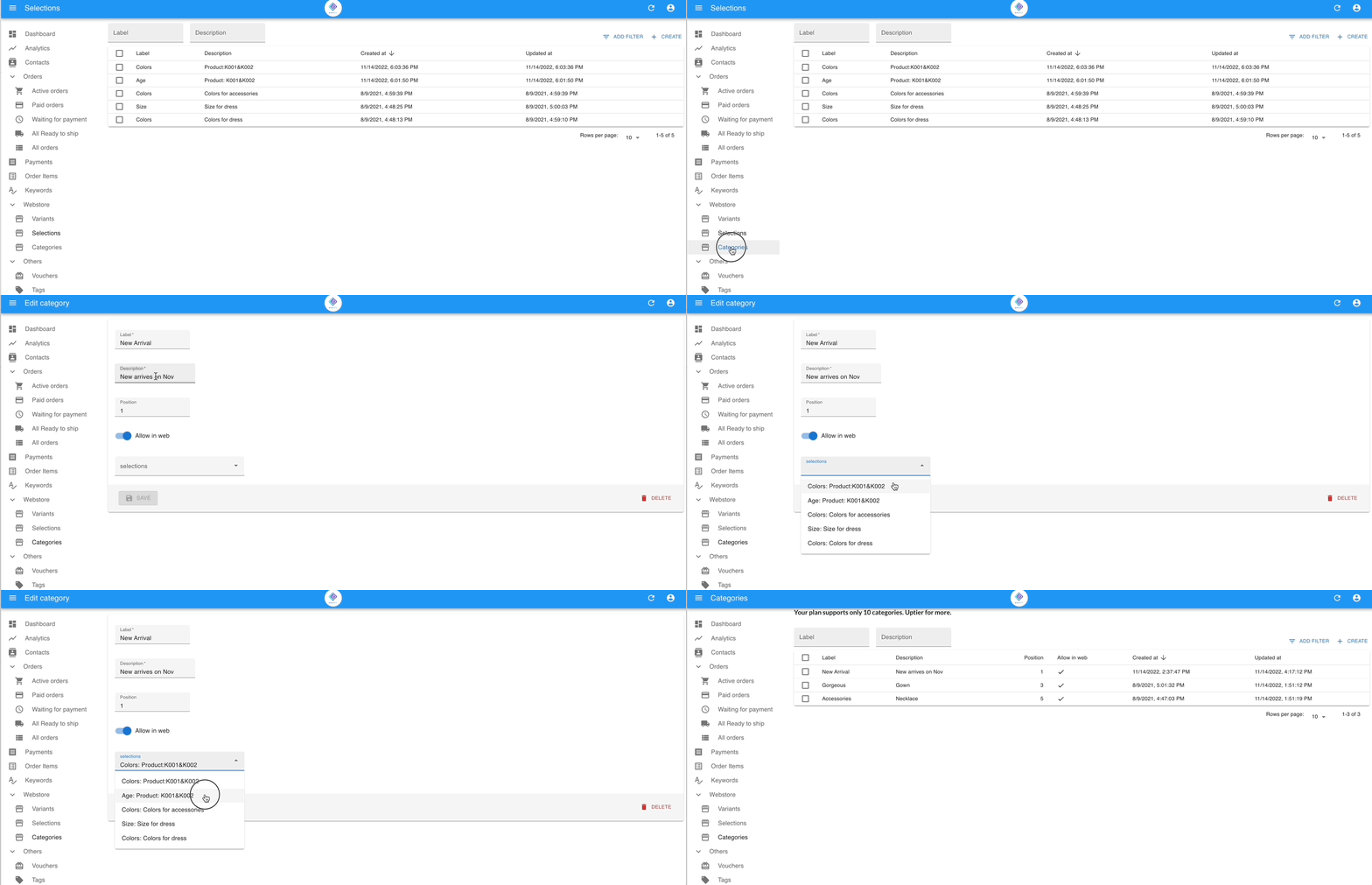
Create the Selections
How to Group Variants Using Selections (e.g., “Color”, “Size”)
Section titled “How to Group Variants Using Selections (e.g., “Color”, “Size”)”Purpose: Create grouped labels that shoppers choose from, like a dropdown menu.
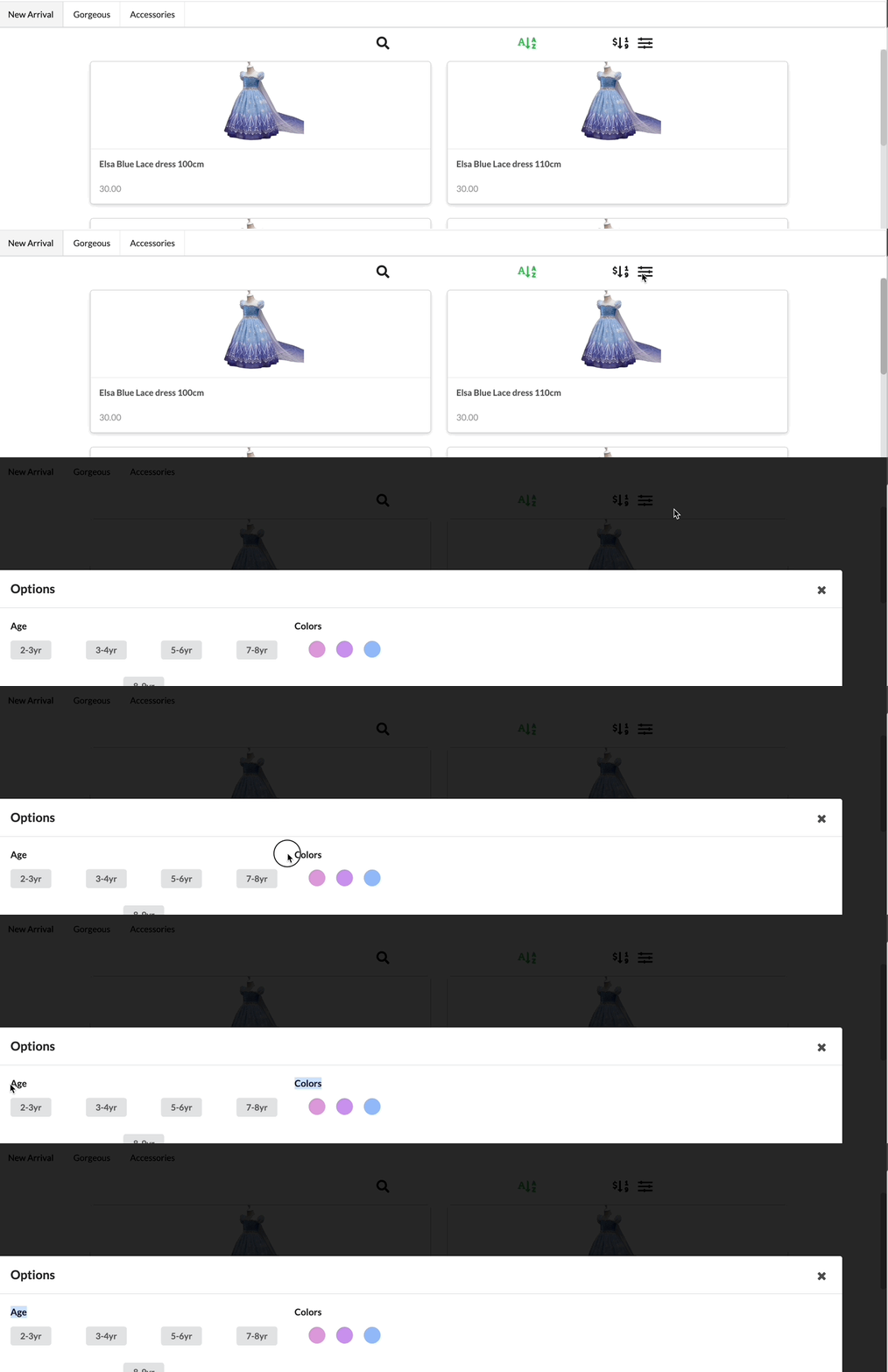
Steps to create selections
Section titled “Steps to create selections”- Go to Webstore > Selections.
- Click + Create Selection.
- Enter the Selection Name (e.g., “Color”).
- Select the variants to group under this selection (e.g., Red, Blue, Green).
- Click Save.
💡Example: Group “Red”, “Blue”, and “Green” under a selection called “Color”.