Set up Offline Payment in Boxify
Set Up Offline Payment (Bank Transfer)
Section titled “Set Up Offline Payment (Bank Transfer)”Offline Payment allows customers to transfer payment manually and upload a payment receipt during checkout.
This method is suitable for merchants who prefer direct bank transfer instead of using a payment gateway.
📍 Where to Configure
Section titled “📍 Where to Configure”Go to:
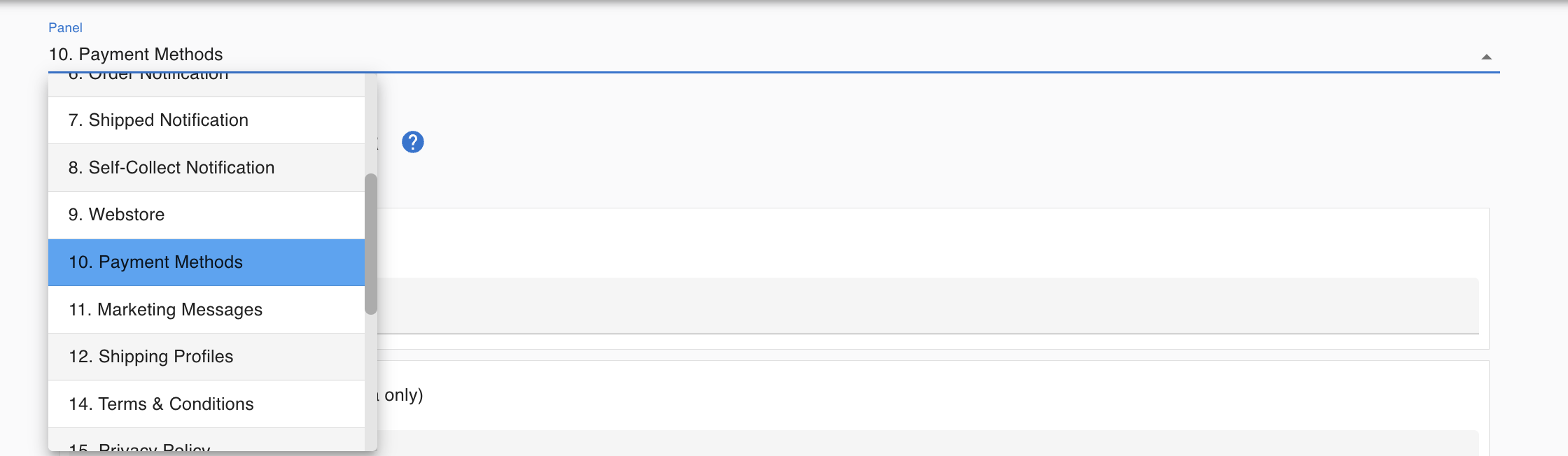
Profile → Setting → Payment Methods
🛠 How to Enable Offline Payment
Section titled “🛠 How to Enable Offline Payment”Step 1 : Go to Profile → Setting → Payment Methods
Step 2: Enable Offline Payment / Bank Transfer
Step 3 : Click Save
Important:
Enter your bank details clearly:
- Account Number
- Account Name
- Bank Name
🧾 How Offline Payment Works
Section titled “🧾 How Offline Payment Works”- Customer selects Offline Payment at checkout
- Customer transfers payment manually
- Customer uploads payment receipt (photo / PDF)
- The payment appears in the Payments menu
- Merchant verifies payment in bank statement
- Merchant reconciles and toggles item status to Paid
⚠ Important Reminder
Section titled “⚠ Important Reminder”Uploading a receipt does NOT mean payment is confirmed.
Merchants must:
✔ Verify the payment amount in bank statement ✔ Ensure amount matches outstanding balance ✔ Reconcile payment in the system ✔ Toggle item status to Paid
When to Use Offline Payment
Section titled “When to Use Offline Payment”Suitable for merchants who:
- Prefer direct bank transfer
- Do not use payment gateway
- Handle payment verification manually