Shopping Cart setting
These settings control how your Boxify shopping cart behaves for customers and how orders are processed.
Each setting affects customer checkout behaviour, order collection, or display logic. Only enable the options that match your business workflow.
🔹 1. Enable Shopping Cart
Section titled “🔹 1. Enable Shopping Cart”Description:
Turn on the Boxify shopping cart feature so customers can checkout via cart.
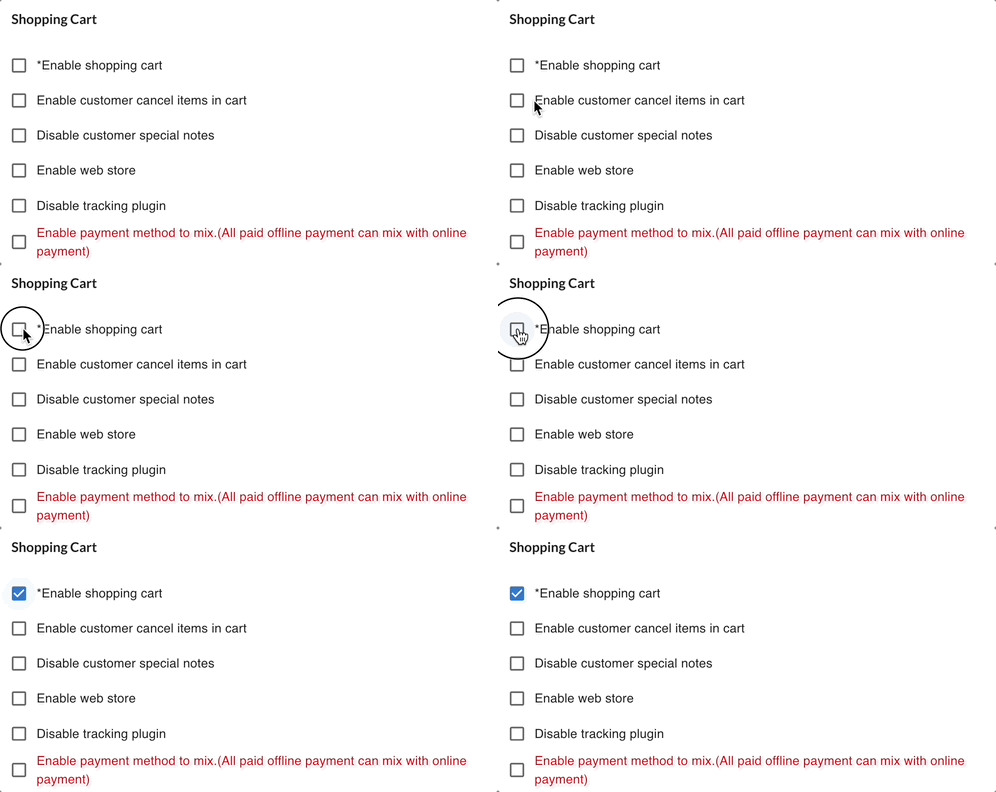
Effect: ✔ Customers can add items to cart before checkout. ✔ Without this on, customers cannot compile a cart.
When to use: Use this for normal online selling workflows.
🔹 2. Enable Customer Cancel Items in Cart
Section titled “🔹 2. Enable Customer Cancel Items in Cart”Description:
Allow customers to delete items in the cart before checkout.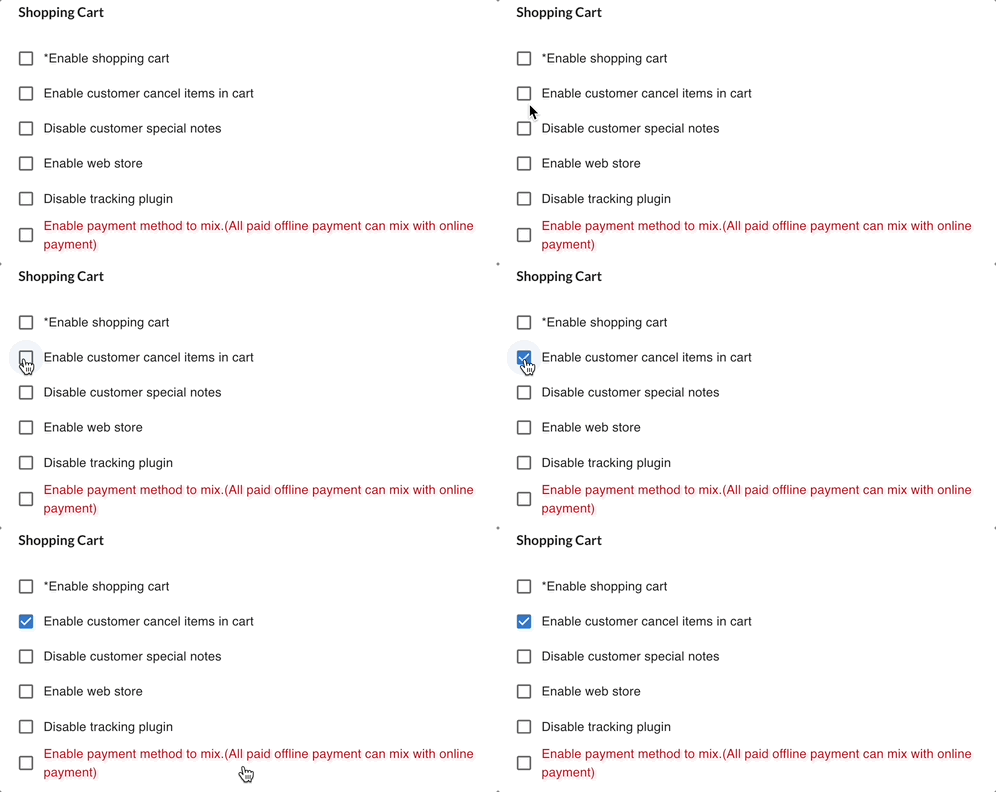
When enabled:
✔ Customers can delete items from their cart
✔ Customers can re-order with corrected quantity
✔ Customers have more flexibility before shipment
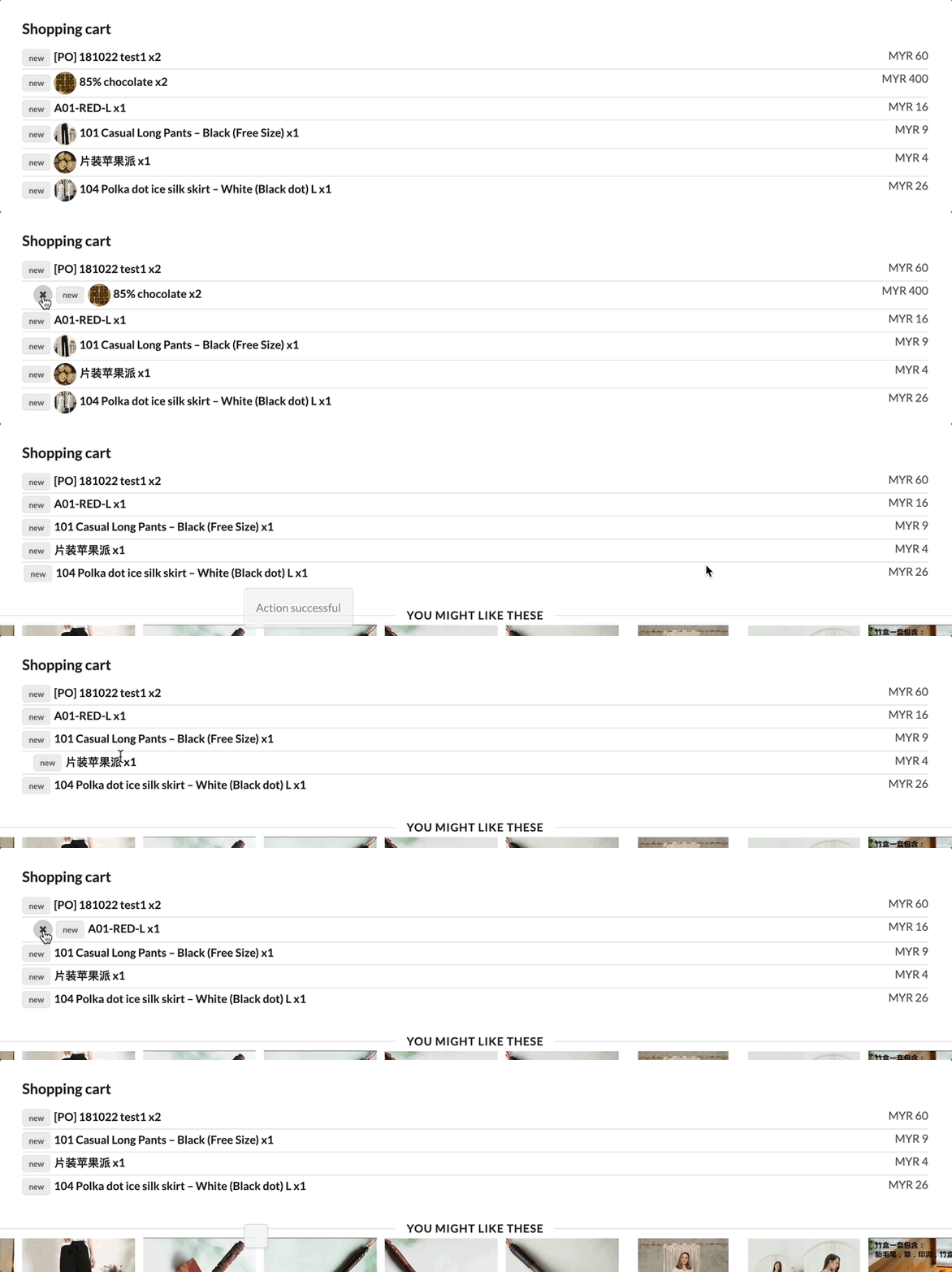
Important:
- Paid items cannot be removed.
- Items cannot be removed if the order status is not stackable (Preorder, Locked, No Stack, Ready to Ship, Shipped).
- When an item is removed, its quantity is returned to stock.
- Customers cannot edit quantity directly — they must delete and re-order.
🔹 3. Disable Customer Special Notes
Section titled “🔹 3. Disable Customer Special Notes”Description:
Hide the “Special Notes” field in the cart during checkout.
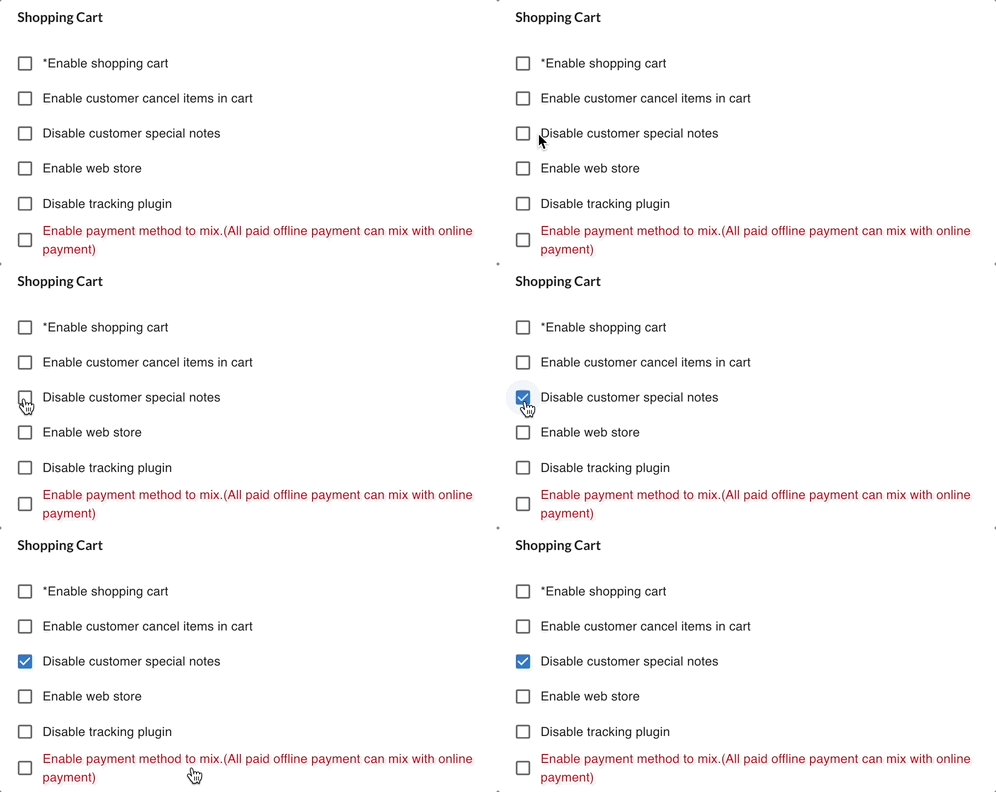
Effect:
✔ Customers will not see or enter order notes.
❌ Removes opportunity for customers to leave instructions.

When to use: If you don’t need custom messages from customers.
🔹 4. Enable Web Store
Section titled “🔹 4. Enable Web Store”Description:
Activate your Boxify webstore interface for customers.
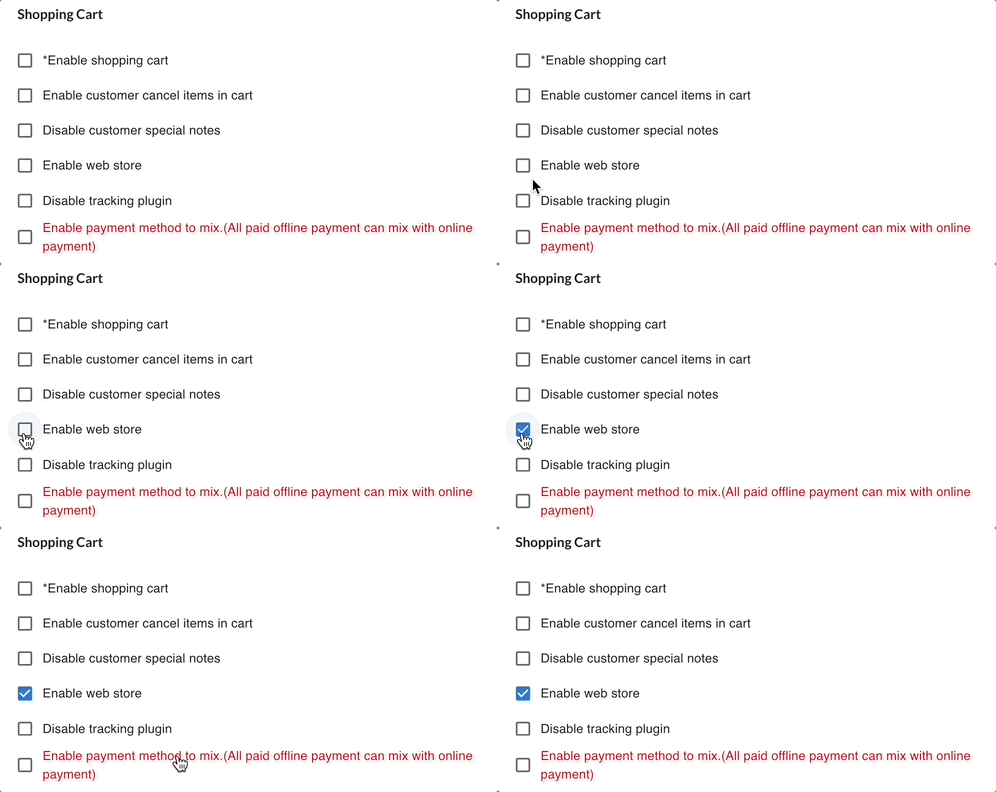
Effect: ✔ Order pages / cart / catalogue become accessible via web link. ✔ Orders via webstore will be in the same Shopping cart with the Social Live order for checkout.
Notes: You may still need to configure other shopping cart behaviours separately.
🔹 5. Enable Display of Out-of-Stock Products in Webstore
Section titled “🔹 5. Enable Display of Out-of-Stock Products in Webstore”Description:
Show products in your webstore even when they are out of stock.
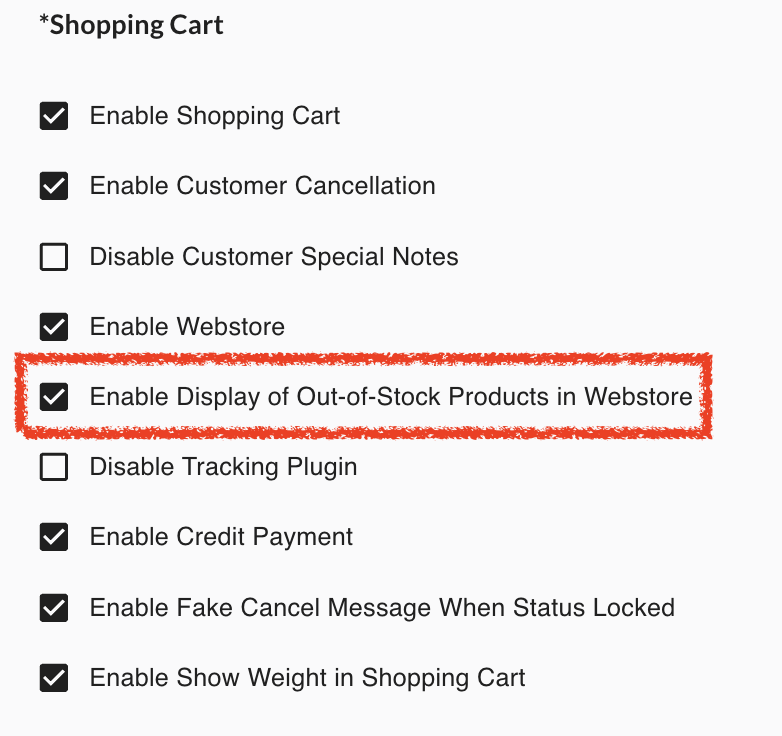
Effect: ✔ Customers can view out-of-stock items in the webstore. ❗ Does NOT allow ordering of out-of-stock products — it simply shows them.
When to use: If you want customers to see upcoming products or inventory visibility.
🔹 6. Disable Tracking Plugin
Section titled “🔹 6. Disable Tracking Plugin”Description:
Turn off the tracking plugin feature for the shopping cart.
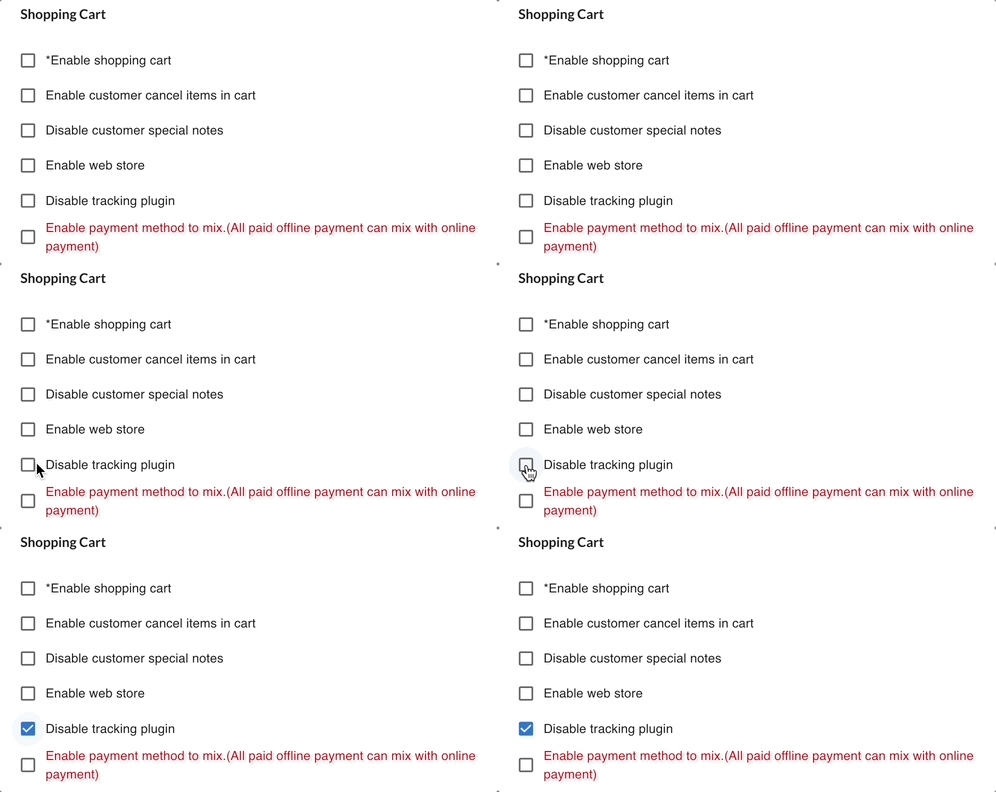
Effect: ✔ Disables click / referral tracking inside the cart. ❌ Certain tracking or remarketing features may not work.

When to use: If the tracking integration causes issues or conflict.
🔹 Enable Credit Payment
Section titled “🔹 Enable Credit Payment”Description: Allow customers to use store credit balance during checkout.
- Credit affects cash collection timing, not revenue calculation.
- Credit reduces the payable amount.
- Revenue is still determined by order status (Ready to Ship / Shipped).
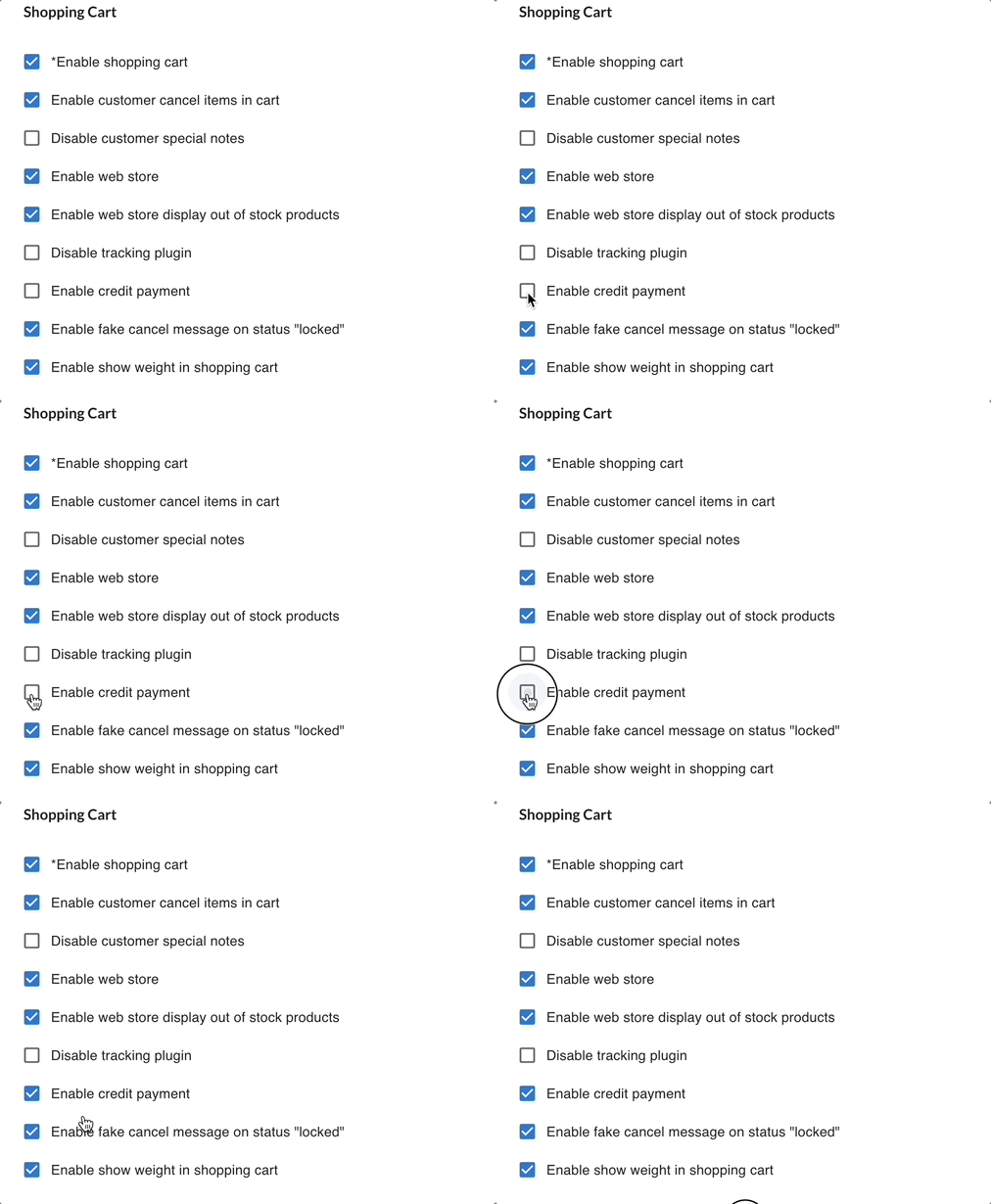
What Credit Is: Credit is a stored value assigned by the merchant to a customer and can be used like a store balance in checkout. Customers can apply credit when they have a positive balance in their profile.
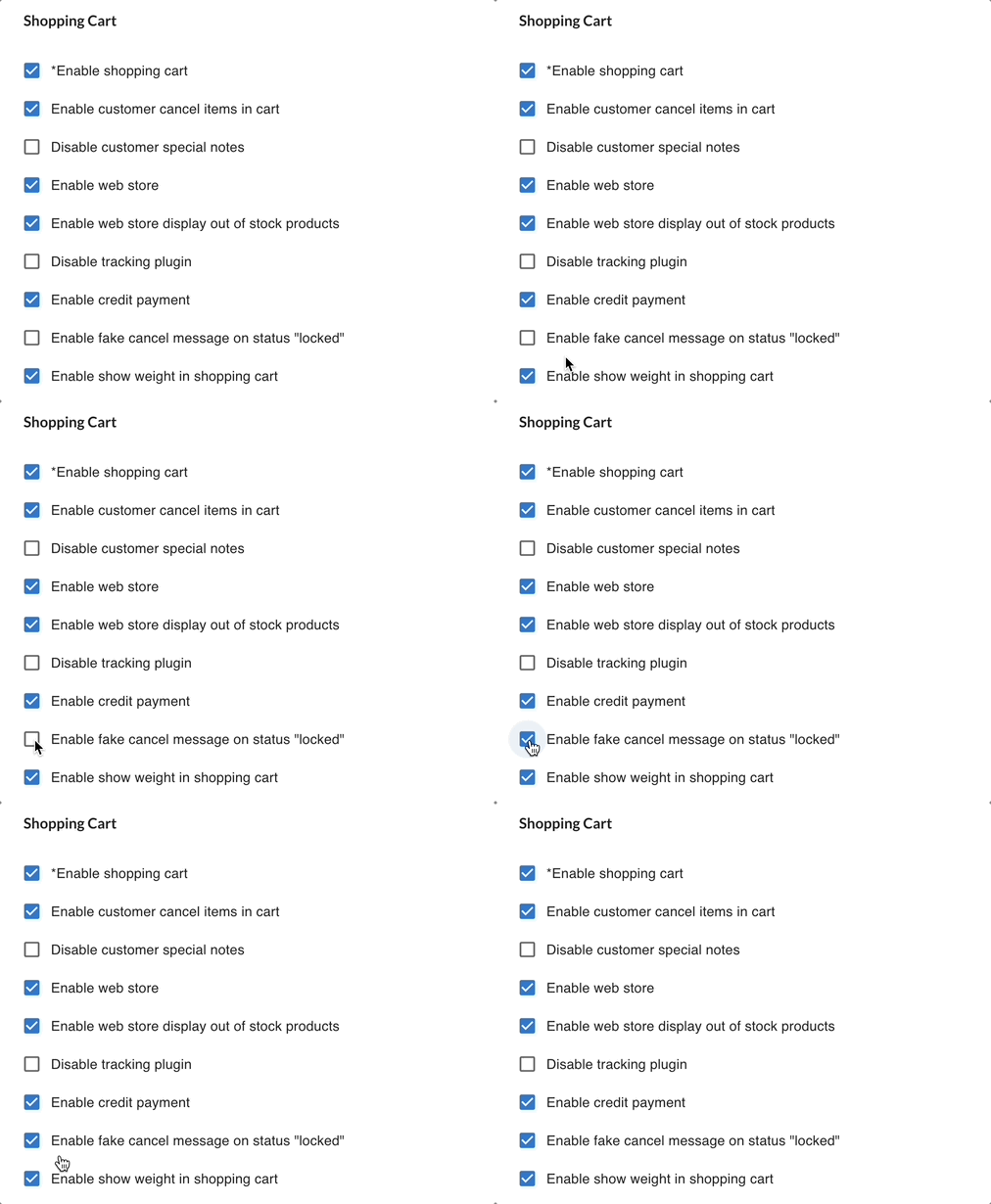
🔹 8. Enable Fake Cancel Message When Status Locked
Section titled “🔹 8. Enable Fake Cancel Message When Status Locked”Description: When an order is Locked, this setting shows a fake cancellation message to the buyer.
Effect:
✔ Prevents confusion by simulating a cancellation message.
✔ Helps merchants avoid customer queries about locked orders.

When to use: If you want to provide clearer messaging on locked orders.
🔹 9. Enable Show Weight in Shopping Cart
Section titled “🔹 9. Enable Show Weight in Shopping Cart”Description: Display item weight in the shopping cart view.
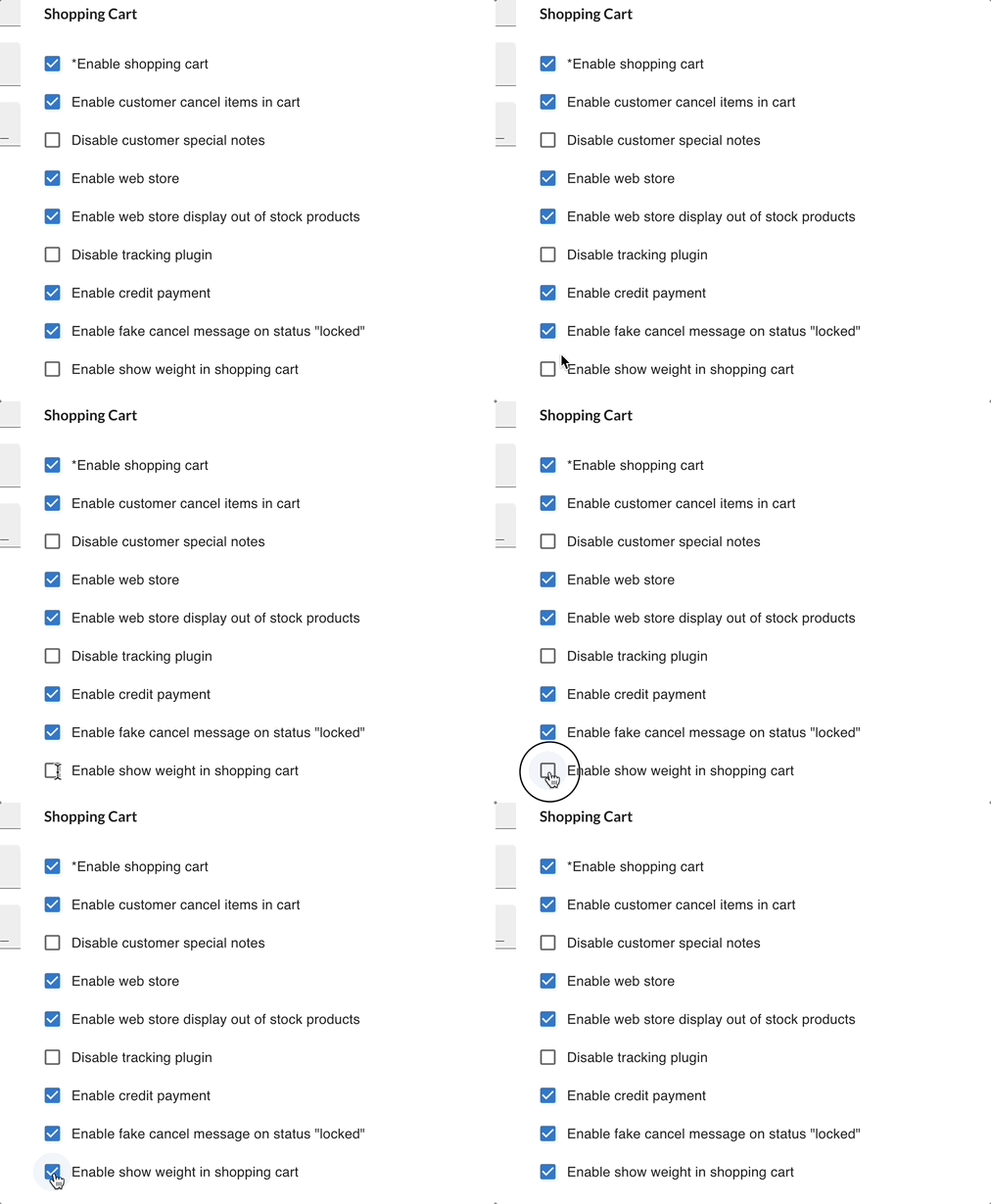
Effect:
✔ Customers see item weights directly in cart.
✔ Useful for businesses calculating shipping based on weight.
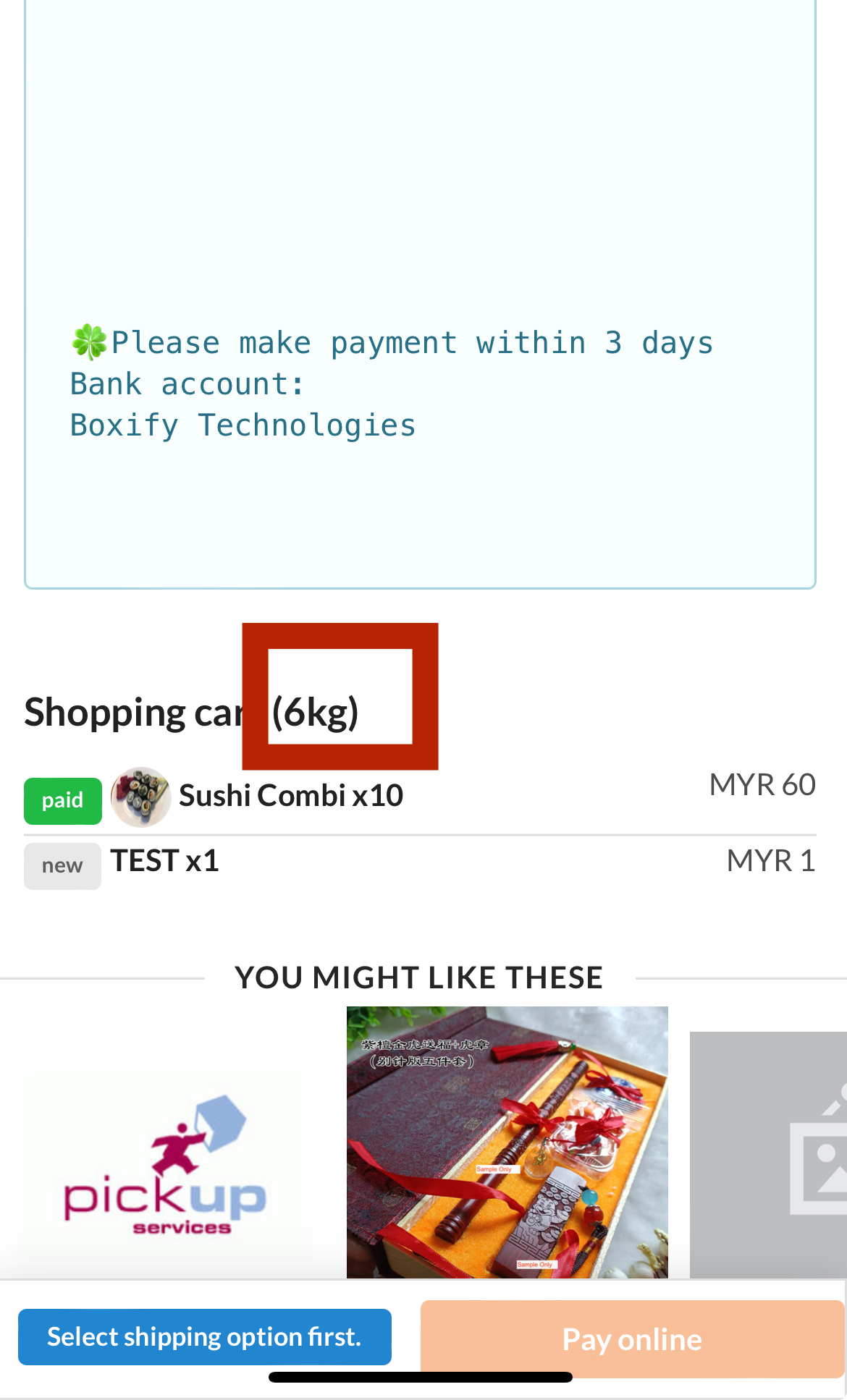
Notes: Weight display helps customers understand shipping differences (e.g., EMS/WM/EM).
How These Settings Affect Customer Experience
Section titled “How These Settings Affect Customer Experience”These settings control core parts of the shopping experience:
✔ Whether cart is visible ✔ Whether customers can adjust contents ✔ Whether checkout fields are shown ✔ How products display in webstore ✔ How messaging appears on locked orders ✔ How payment options behave