Whitelisted Domains on the Facebook page
Why need to set up the whitelisted domains?
- Authorize the systems able to send out the messages.
- Enable the customers able to view their shopping cart and perform the checkout.
- Ensure the function of auto-fill shipping detail in the shopping cart is working.
The steps to set up the whitelisted domain
Section titled “The steps to set up the whitelisted domain”Step 1: Go to your Facebook page, meta business suite. Click on the ‘All Tools‘ on the menu.

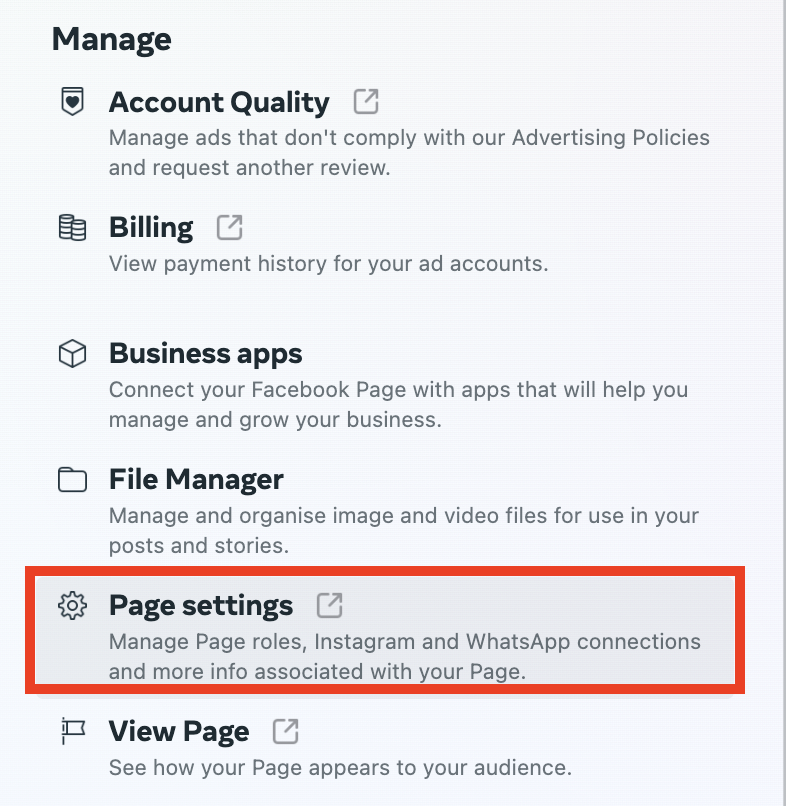
Step 2: Open the Page Settings under the Manage.
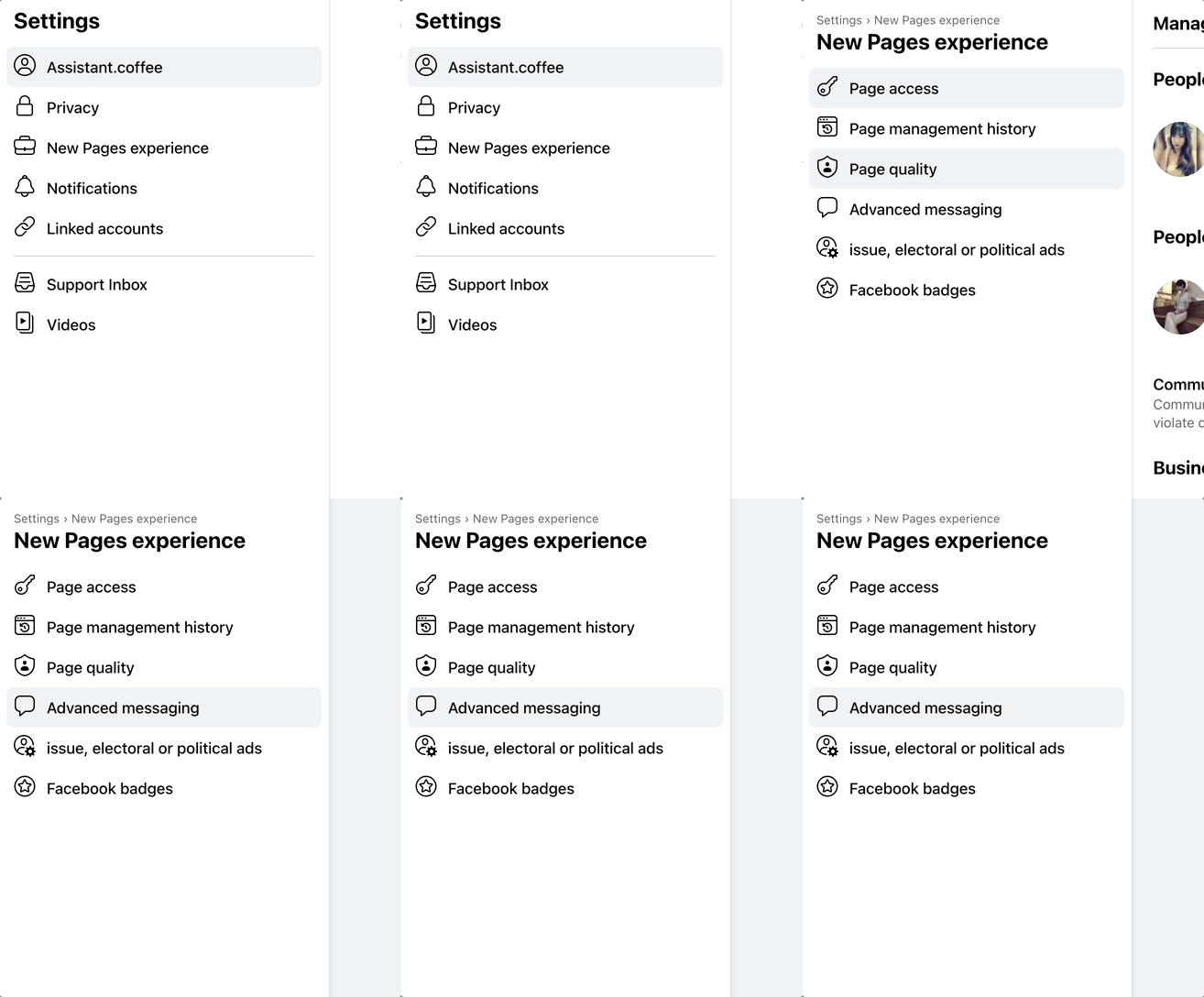
Step 3: Click on the ‘New Page Experience‘ > ‘Advanced messaging‘.
Step 4: Scroll down to White-listed domains and add in https://fb-live.web.app/ & https://fb-live.boxify.io/

See also: