Connect Webstore to Facebook
The simple and friendly access way to your webstore will encourage customers to spend more time browsing your webstore.
Set up access to the Webstore
Section titled “Set up access to the Webstore”Add the Facebook Page Call to act (CTA) button
Section titled “Add the Facebook Page Call to act (CTA) button”Step 1: Go to SETTING > WEBSTORE and copy the webstore link.
Step 2: Go to your Facebook page and click on the 3 dots icon (…), select ‘Edit Action Button‘.
Step 3: Click on the button ‘Change button‘, select ‘View Shop‘ and click the NEXT button.
Step 4: Tick the ‘Link on Website‘ and paste the webstore link to the column.
If you fail to use the Shop now button, you can optionally use the start order button.
Add Shop now to the messenger persistent menu
Section titled “Add Shop now to the messenger persistent menu”Step 1: Go to SETTINGS > WEBSTORE, scroll to the section Add Get Started button to Messenger. Follow the instruction to click the button’CHECK‘. If the button ‘ADD GET STARTED‘ is enabled, click on it.
Step 2: Go to your Facebook page and click on the Meta Business Suite on the left menu. Then, Click the Inbox icon( ) on the left menu.
Step 3: Click on the Automations ( ) icon on the top and scroll to the Frequent asked questions, click the ‘Edit‘ icon.
Step 4: Click the button ‘Add another questions‘ and the ‘Edit‘ icon.
Step 5: Put the wording Shop now into the questions.
Step 6: Toggle on the button of ‘Add on menu‘. then click the button ‘Save Changes‘.
Access to the webstore from the shopping cart
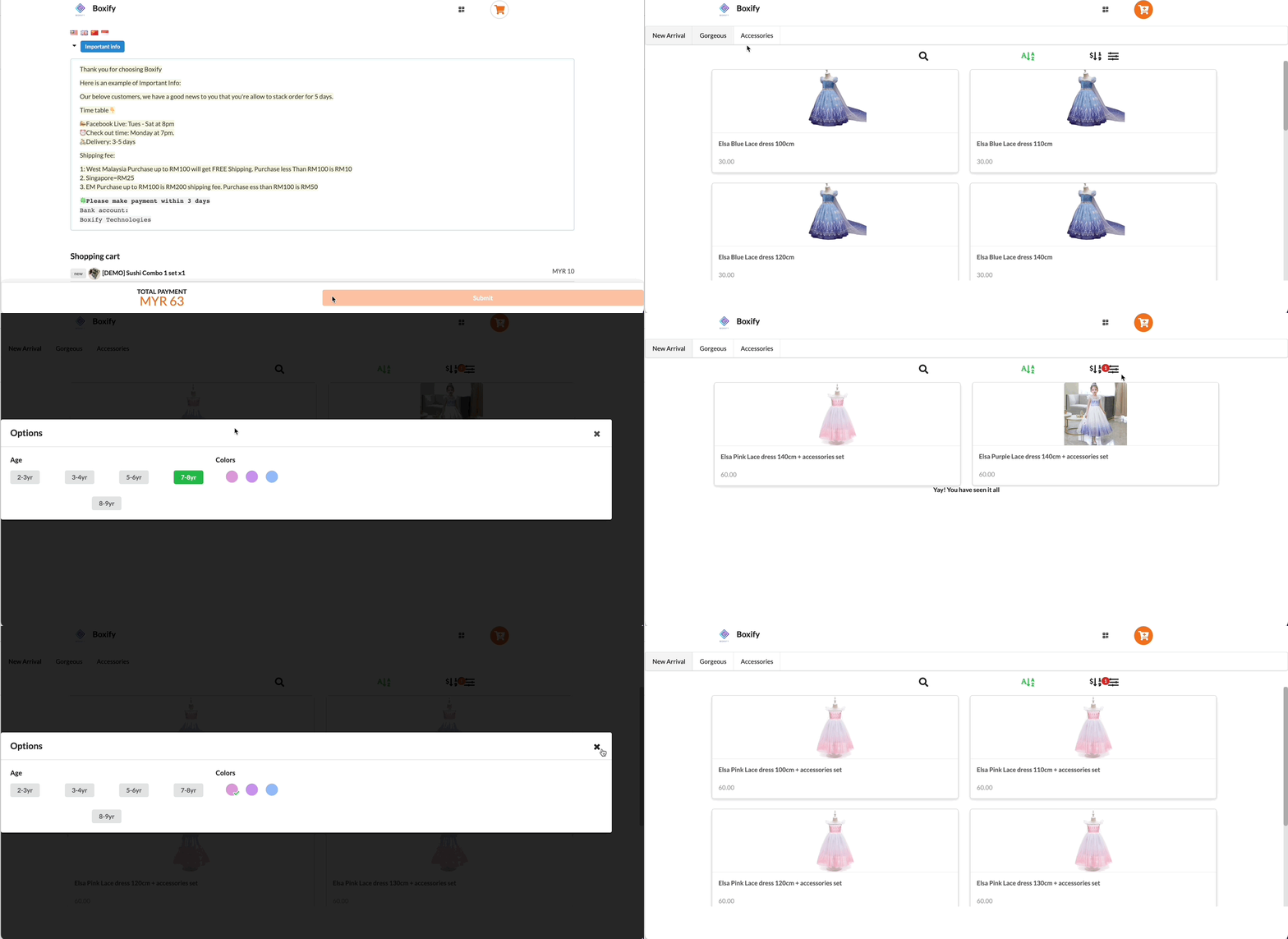
Section titled “Access to the webstore from the shopping cart”The customer can access to webstore from the shopping cart only when the orders are in stackable statuses, such as the status Active, Paid, On-hold, and waiting for payment.
Set up the webstore welcome message template
Section titled “Set up the webstore welcome message template”Customize your welcome message with the simple steps as below.
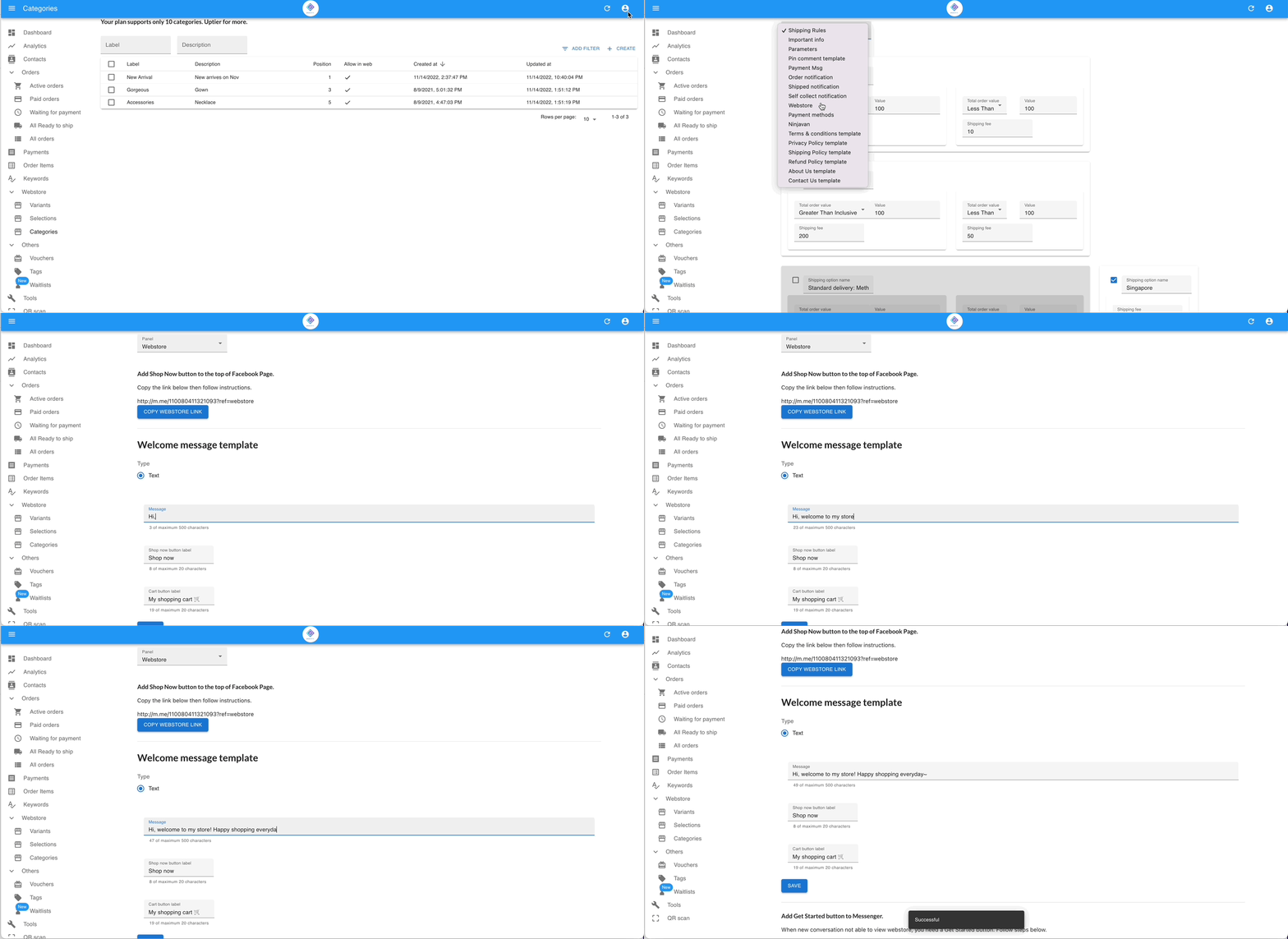
Step 1: Go to SETTINGS > WEBSTORE, scroll to the section Welcome message template.
Step 2: Write in the message and click the button ‘SAVE‘.