
Facebook Conversation Manager
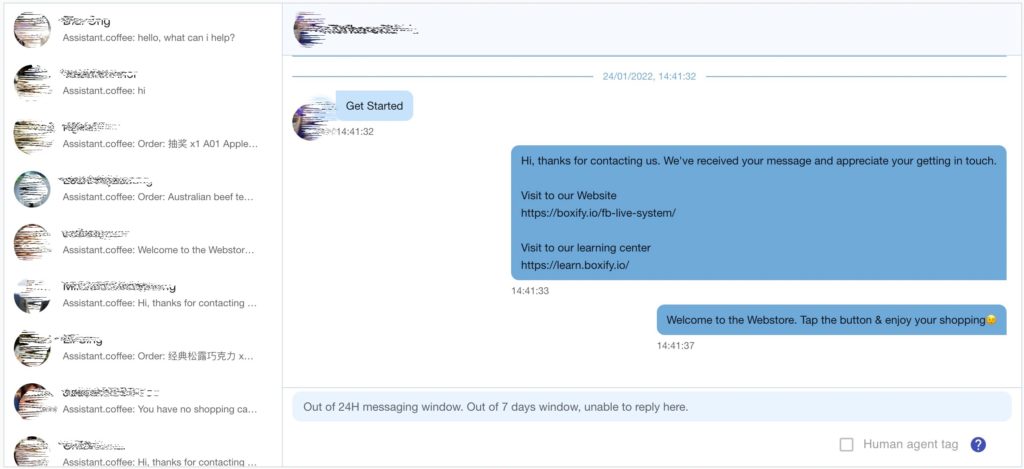
The Facebook Conversation Manager gives you a single place to view and reply to customer messages during busy live selling sessions, so you do not miss important interactions even when message volume is high.
How to open Conversation Manager
Section titled “How to open Conversation Manager”- Log in to your Boxify Dashboard.
- Go to Menu › Tools › FB Conversation Manager.
Why use Conversation Manager?
Section titled “Why use Conversation Manager?”During live selling, a large number of messages arriving at once can cause delays or missed replies. Conversation Manager helps you:
- See all conversations in a clear, organized layout.
- Prioritize which customers to reply to first.
- Respond faster without manually searching through threads.
- Keep up with customers who have not yet placed an order in Boxify.
See also: