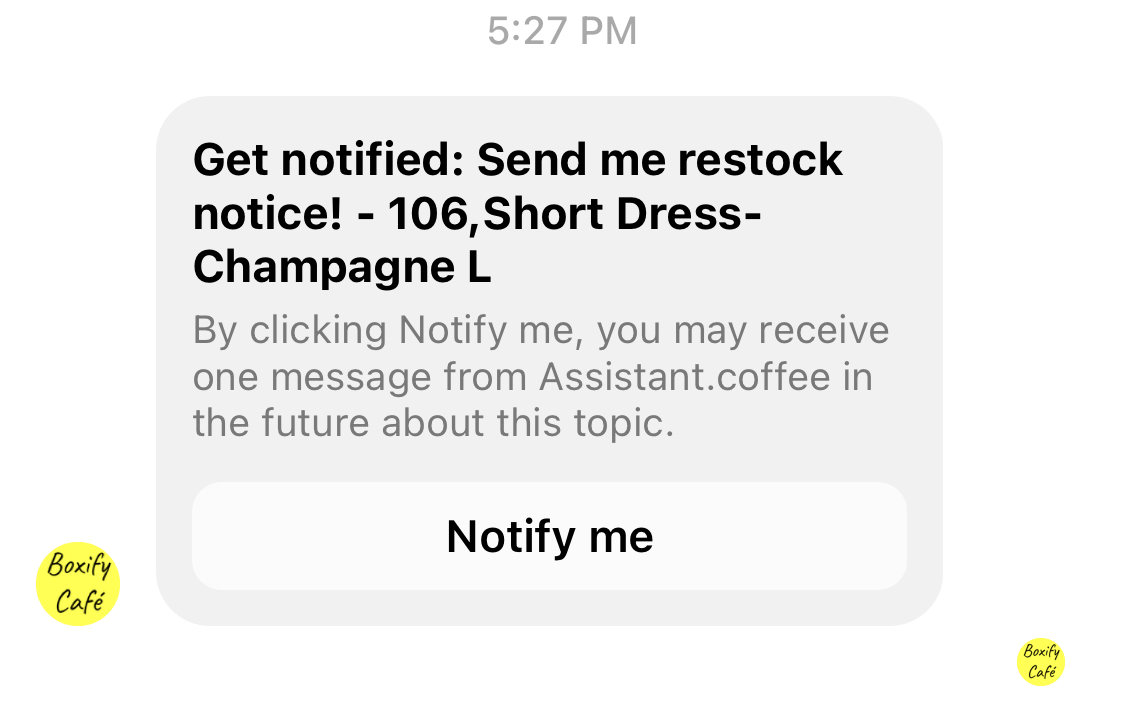
Set up the Waitlists
Grant permission from Facebook for using the One-time notification
Section titled “Grant permission from Facebook for using the One-time notification”Step 1: Go to your Facebook page > Meta Business Suite > All Tools > Page settings > New Pages experience > Advanced messaging.
Step 2: Scroll down to the section Requested features – >One-time notification and click the button ‘Edit‘.
Step 3: Click the button ‘Confirm‘ and your request will be submitted to Facebook for review.
Please follow the Facebook policy to use the One-time notification.
-
Don’t confuse, deceive, defraud, mislead, spam or surprise anyone. Make sure that there is a clear and obvious relationship between the prompt, and the content of the message. The content of the one-time notification request and the message must comply with community standards.
-
Pages that receive high volumes of negative user feedback, or that confuse, deceive, defraud, mislead, or negatively surprise users will lose access to the API.
-
Understand the OTN Restrictions & Limitations.
Enable the Waitlist in Boxify system
Section titled “Enable the Waitlist in Boxify system”Step 1: Go to SETTINGS > PARAMETERS.
Step 2: Scroll down to the section of Waitlists. Tick the check box to enable the waitlist, and write the restock message which will be sent to the customers’ messenger.