
Live Settings
These settings control how Boxify behaves during your Facebook Live session.
Go to Settings › General › Parameters to access these options.
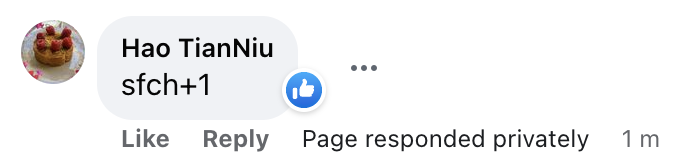
Auto-like successful order comments
Section titled “Auto-like successful order comments”Tick this checkbox and Boxify will automatically like a customer’s comment when their order is placed successfully.
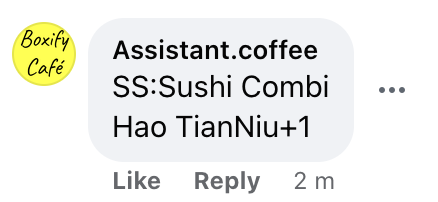
Show buyer names every 3 minutes
Section titled “Show buyer names every 3 minutes”Tick this checkbox and Boxify will post the list of buyers’ names as a comment on your live video every 3 minutes.
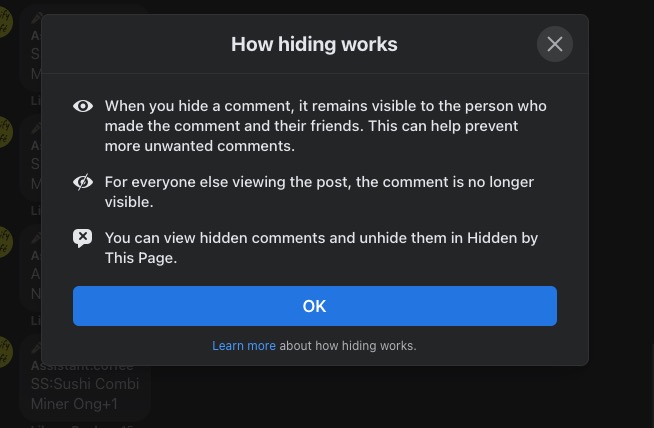
Hide comment after successful order
Section titled “Hide comment after successful order”Tick this checkbox and Boxify will hide a customer’s comment once their order is placed successfully.
For more information on how Facebook comment hiding works, see the Facebook Help Centre.
See also: